
Struggling with barcode scan failures on your product packaging? This complete guide breaks down flexographic and digital printing techniques for barcode and QR code labels in 2026.
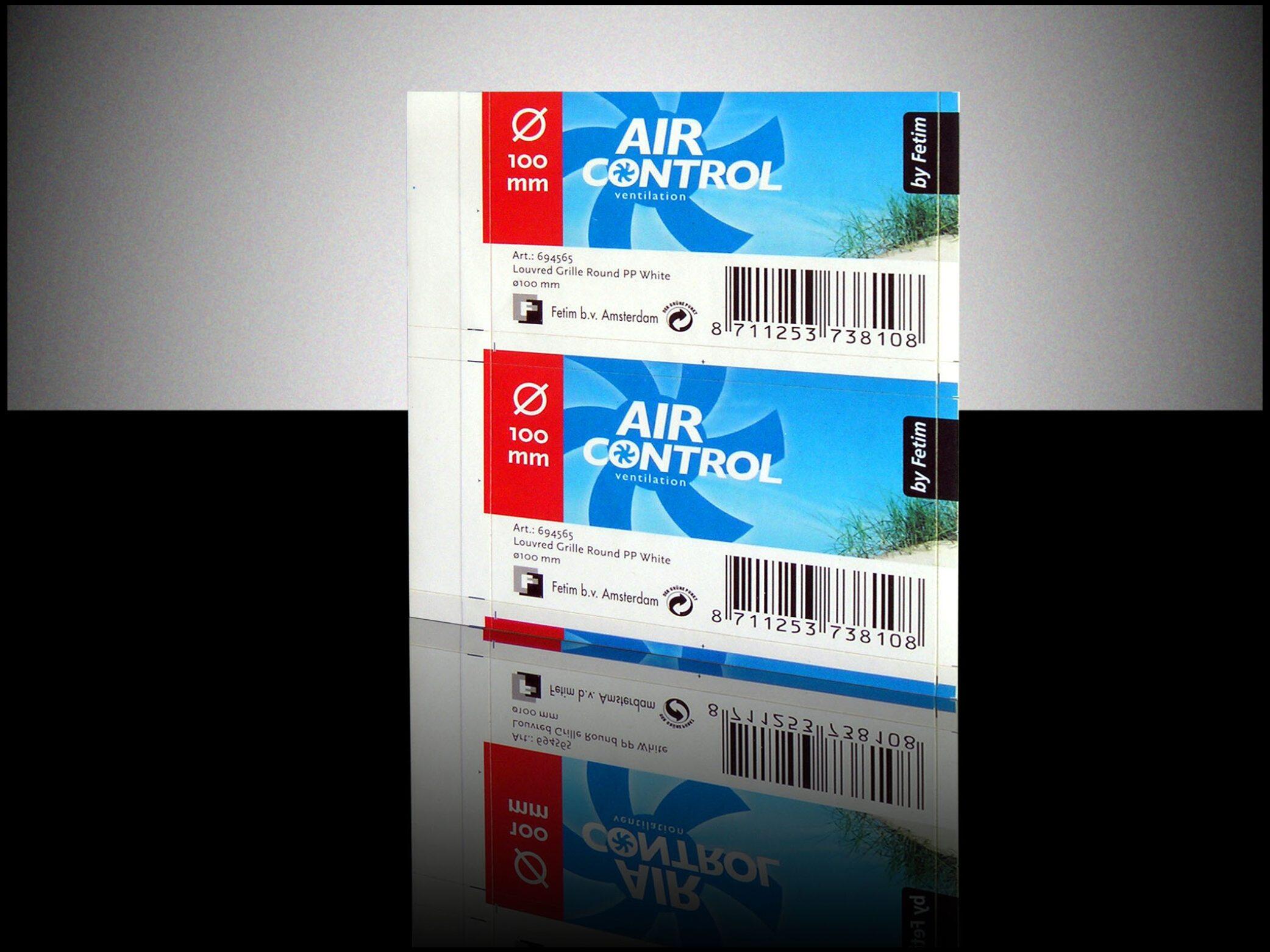
Last month, a mid-sized craft brewery called us in a panic. Their new IPA custom labels and stickers were failing at the checkout counter. The barcode just wouldn't scan. The culprit? Poor printing technique and low ink contrast. It’s a nightmare scenario, but honestly, it happens more often than you'd think.
When it comes to product labeling, the printing technique isn't just about looking pretty. For barcodes and QR codes, it's strictly about functionality. If a scanner can't read it, the label is useless. Let's break down the actual techniques we use on the factory floor and how they perform for barcode and QR applications.
Flexographic Printing: The Undisputed King of Barcodes
Look, if you're printing over 5,000 labels and need flawless, high-contrast barcodes, flexo is your go-to. Here's how it works: we use flexible photopolymer plates to transfer ink directly onto the label material. It’s a relief process, meaning the raised image areas pick up the ink while the recessed areas stay clean.
The catch with flexo is the setup. It requires physical plates, which means higher upfront costs and a bit more lead time. But once it's running? The per-unit cost drops dramatically. We're talking $0.02 to $0.06 per label for standard runs, depending on the size and ink coverage.
Why it wins for barcodes: Incredible consistency. Every single barcode looks identical. The solid ink laydown provides the high contrast (usually black ink on white) that laser scanners need to read 1D barcodes instantly.
The downside: It's not great for highly variable data. If every single label needs a unique serial QR code, traditional flexo falls short unless you add a digital hybrid setup, which we'll get to in a minute.
Digital Printing: The Agile Alternative
What if you only need 500 labels? Or what if you're running a limited edition batch with unique QR codes for a marketing campaign? That's where digital printing steps in. No plates. No setup fees. You just send the file and hit print.
Cost-wise, it's roughly $0.08 to $0.15 per label. It's more expensive per unit, but zero setup costs make it vastly cheaper for short runs. The minimum order quantity (MOQ) usually sits around 100 to 500 pcs.
But does it actually hold up for barcodes? Frankly, yes, but with caveats. Modern digital presses lay down incredibly sharp text. However, on uncoated papers, ink can spread slightly (dot gain), which might blur the narrow bars of a 1D barcode. We usually recommend using digital for QR codes (which are much more forgiving due to their error correction) or 1D barcodes on coated materials.
Hybrid Printing: Getting the Best of Both Worlds
Here's what we've noticed in the market lately: brands want premium, multi-color designs but also need perfect, scannable barcodes. This is where hybrid presses shine.
We use a flexo unit specifically for the barcode and variable data (using digital inkjet modules), while the rest of the beautiful, complex design is printed via offset or high-end digital. You get the razor-sharp scan reliability of flexo/inkjet for the code, and the gorgeous color gradients for your branding. It’s roughly 15-20% more expensive upfront, but it eliminates the need to outsource variable data printing.
Don't Ignore the Material (It Ruins Good Printing)
You can have the best press in the world, but if you print a barcode on a highly textured uncoated paper, it's going to fail. The ink bleeds into the paper fibers, thickening the bars and ruining the quiet zones.
We generally recommend 80gsm to 100gsm coated woodfree paper or BOPP film for barcodes. The smooth surface keeps the ink edges sharp. If you absolutely must use a textured or uncoated material for the aesthetic, we highly advise switching to a QR code instead of a 1D barcode, and increasing the QR code size by at least 20% to compensate for potential ink spread.
What We've Learned in 37 Years of Printing
At Aorai Pack, we've been running presses for 37 years. We're an ISO 9001 and FSC certified factory, but honestly, the certifications just prove we follow the rules. The real value is in the tweaks.
For instance, we always run a barcode verification test (ISO/IEC 15416 for 1D, 15415 for 2D) on the first sheet off the press. We don't just eyeball it. We use a dedicated verifier to grade the barcode from A to F. We check reflectance, edge contrast, and decodability. If it's not an A or B, we adjust the ink density and run it again. It adds maybe 10 minutes to the setup, but it saves our clients from retail checkout disasters.
How to Actually Choose the Right Technique
There's no one-size-fits-all answer here. It depends on your volume, your budget, and your data.
Volume under 1,000? Go digital. The MOQ for flexo is usually around 1,000 to 2,000 pcs to make the plate costs worthwhile.
Need unique QR codes for serialization? Digital or hybrid inkjet is the obvious choice.
Need a standard UPC/EAN barcode on 50,000 units? Flexo, all the way. The unit cost will be pennies.
Need it in 3 days? Digital. Flexo roll labels typically take 7-12 days because of plate production and setup.
Quick FAQ on Barcode Label Printing
Can I just print barcodes on my office inkjet printer?
You could, but please don't. Office printers lack the precise ink density and registration needed for retail-grade barcodes. You'll end up with failed scans.
What's the minimum size for a QR code on a label?
Generally, 0.5 x 0.5 inches (12mm x 12mm) is the safe minimum for smartphone scanning. If it's for a dedicated industrial scanner, you can go slightly smaller, but test it first.
Do I need to pay for barcode verification?
If you're selling through major retail chains (like Walmart or Target), yes, they often require a verified grade. We include basic verification in our standard QC process at no extra charge for runs over 2,000 pcs.
Before you sign off on a massive print run, take a physical proof and scan it with three different smartphones and a dedicated laser scanner. If it beeps every single time, you're good to go. If it hesitates even once, tweak the design or change the printing technique.